Trade skins safely
With our applications, the trading process is fast and convenient
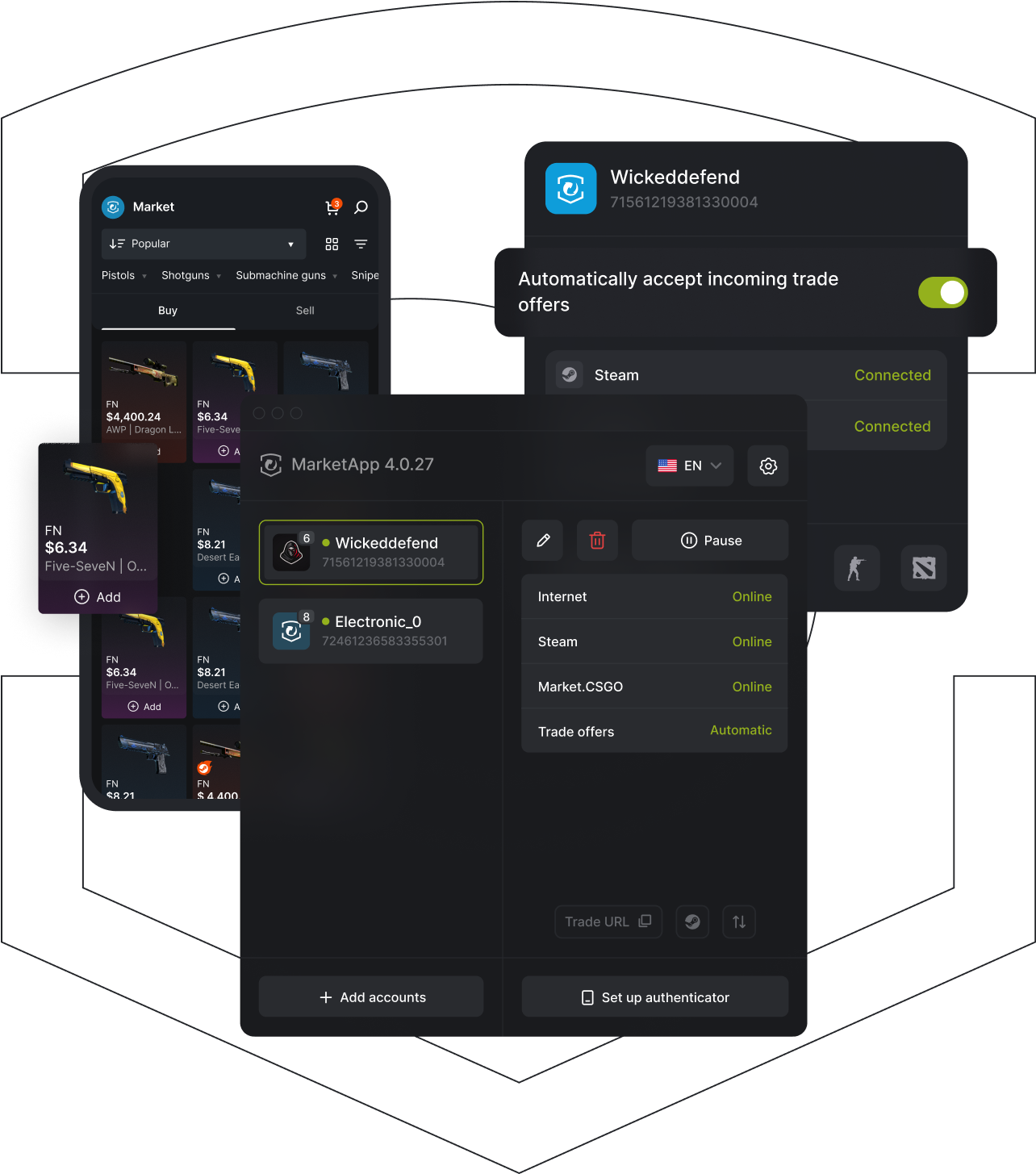
MarketApp Desktop Client
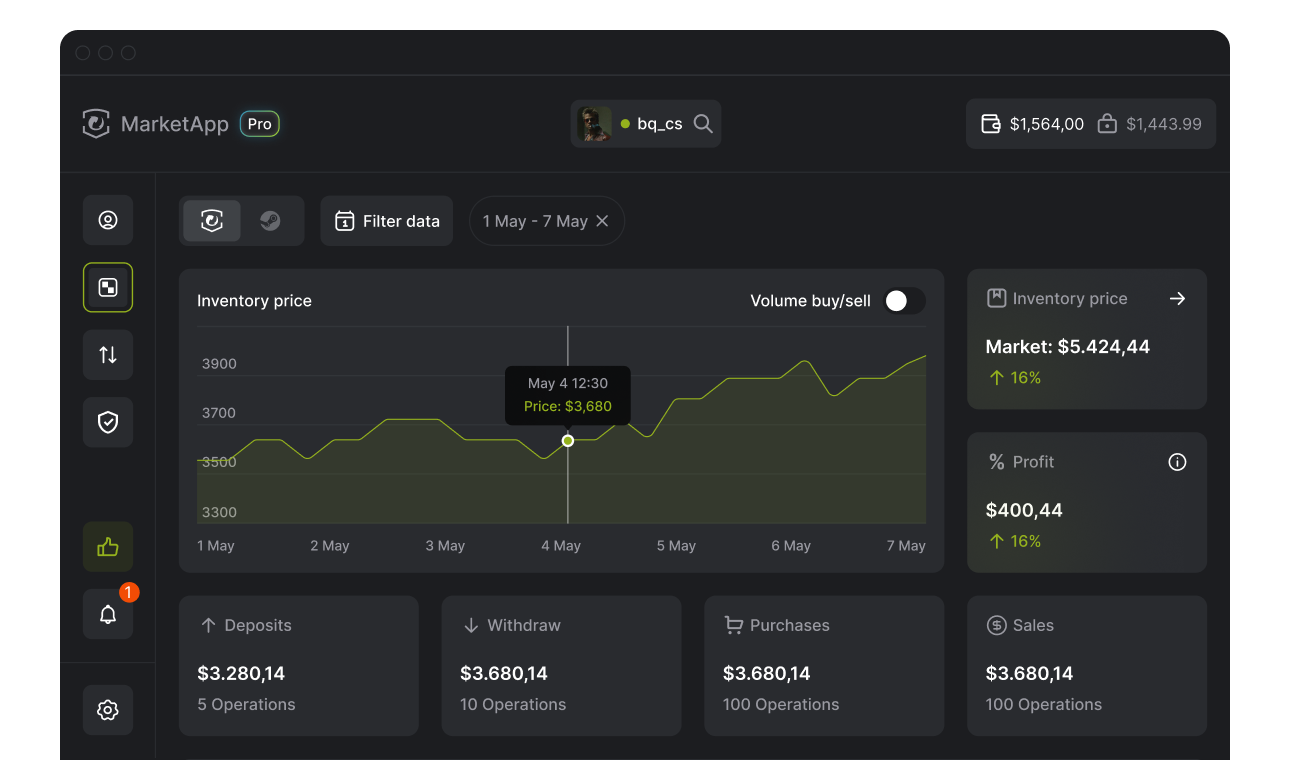
StatisticsComplete statistics for your account in the Dashboard section
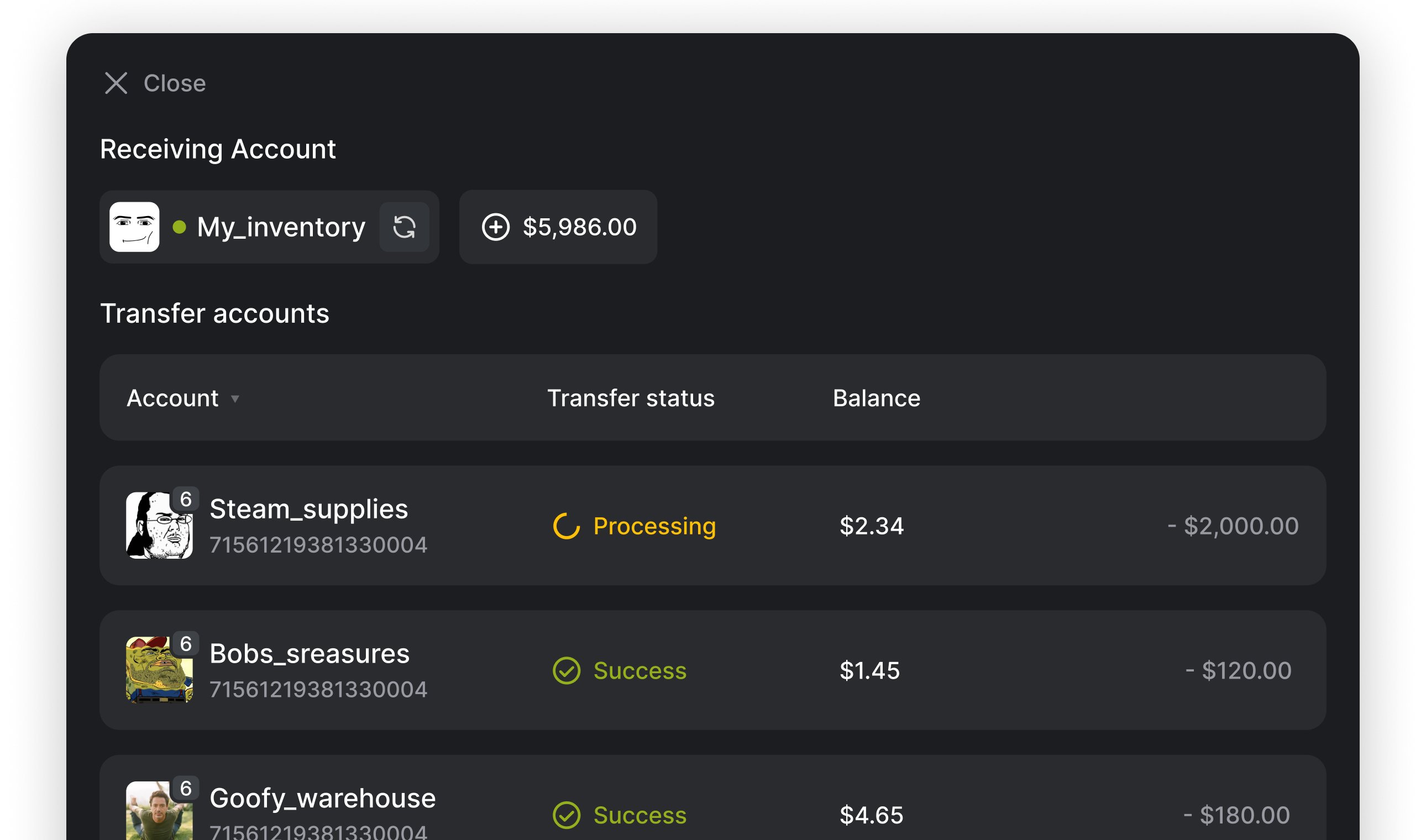
Account ManagementManaging Multiple Accounts and Transferring Funds Between Accounts
The ability to create files on a maFile account
Bulk Account Addition
API-Based Trading Support
Support for multiple providers
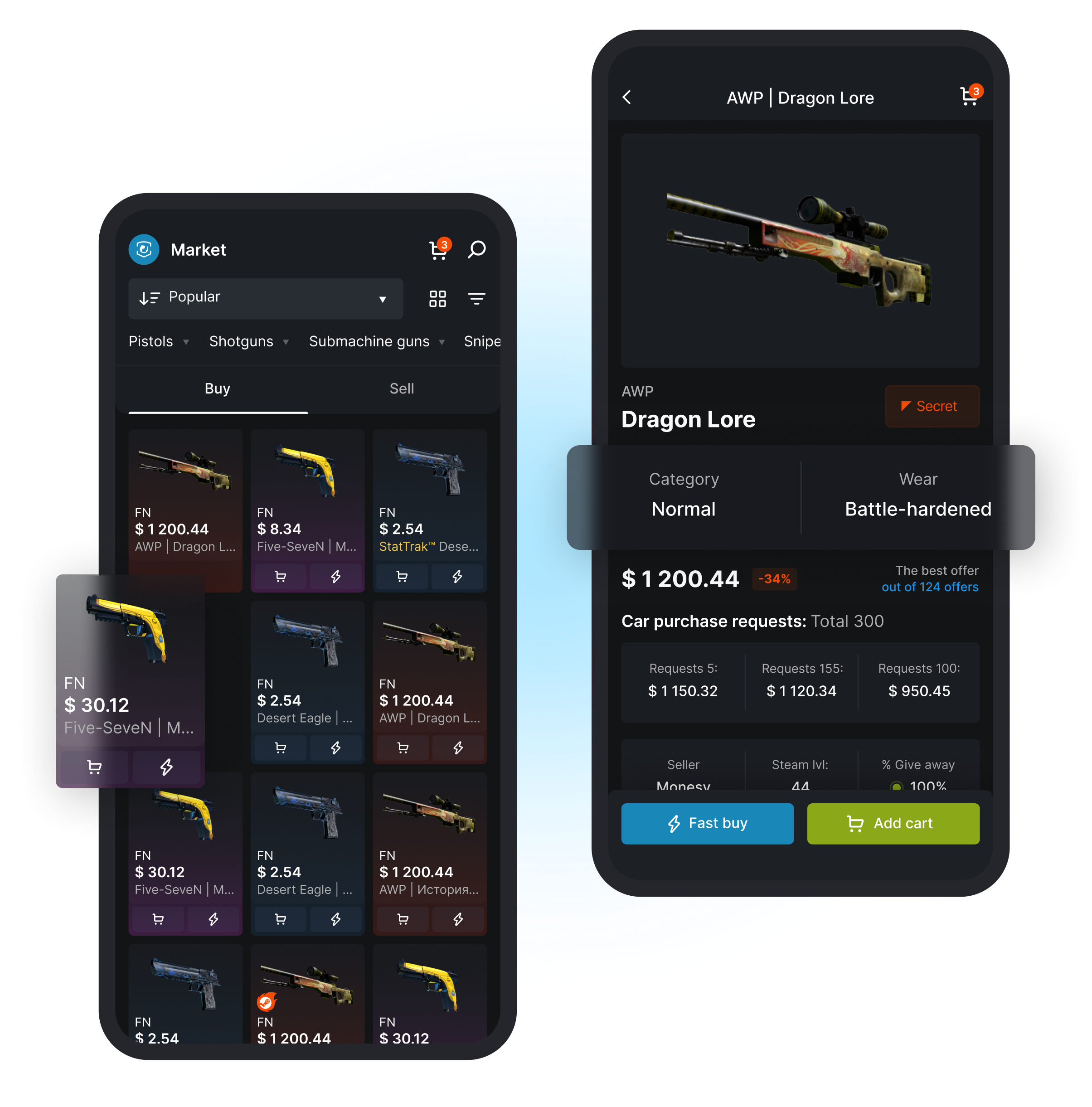
MarketАpp Mobile
Trade via phone without having to install a Desktop client
Set up pop-up notifications about important operations on the site
View any sales schedule that's convenient for you
Two-tap purchase: a “Buy Now” button right on the product card
MarketApp Extension
Convenient and safeSet up your sales in just a few clicks right in your Chrome or Firefox browser
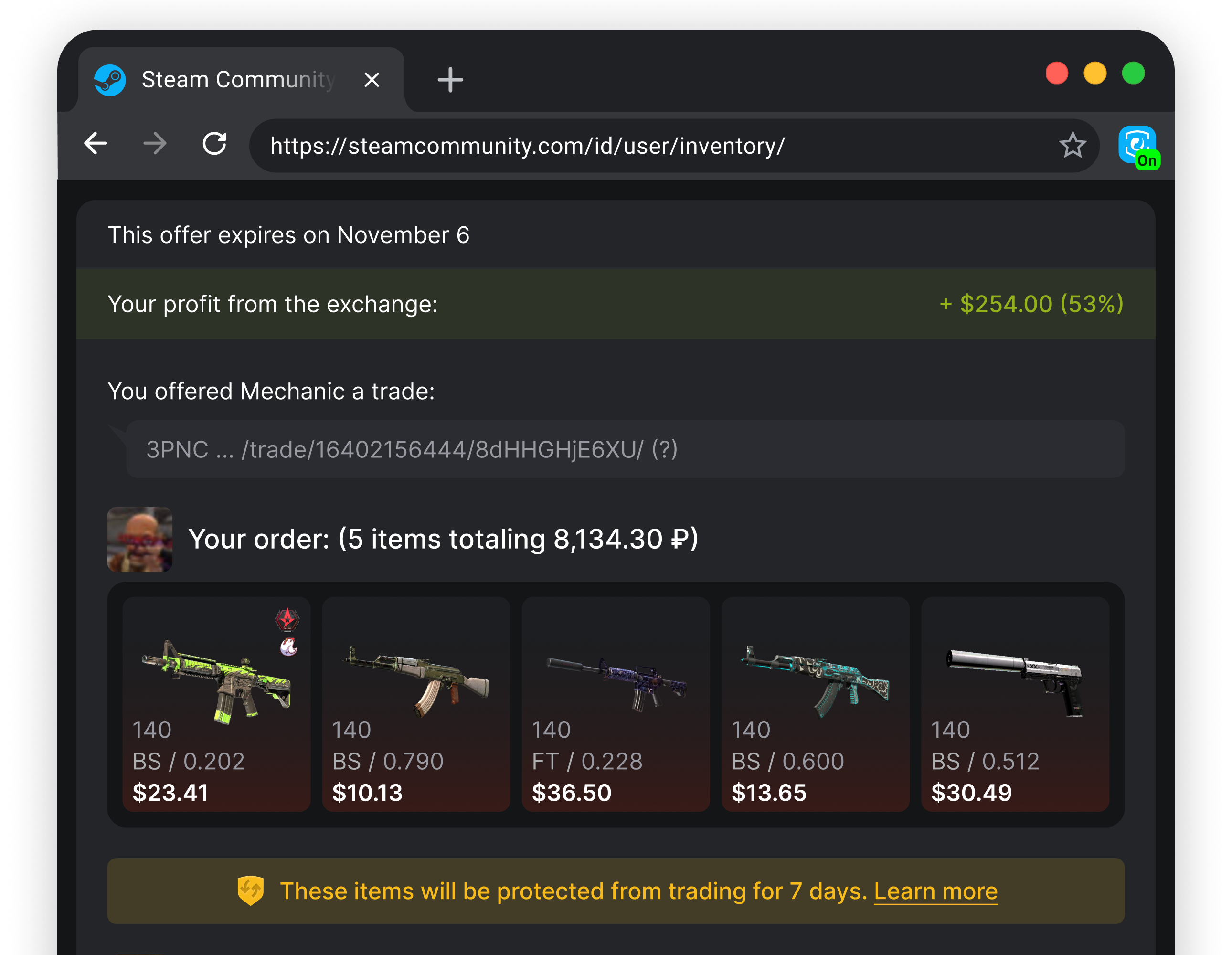
Trade offerA functional and user-friendly trade offer window
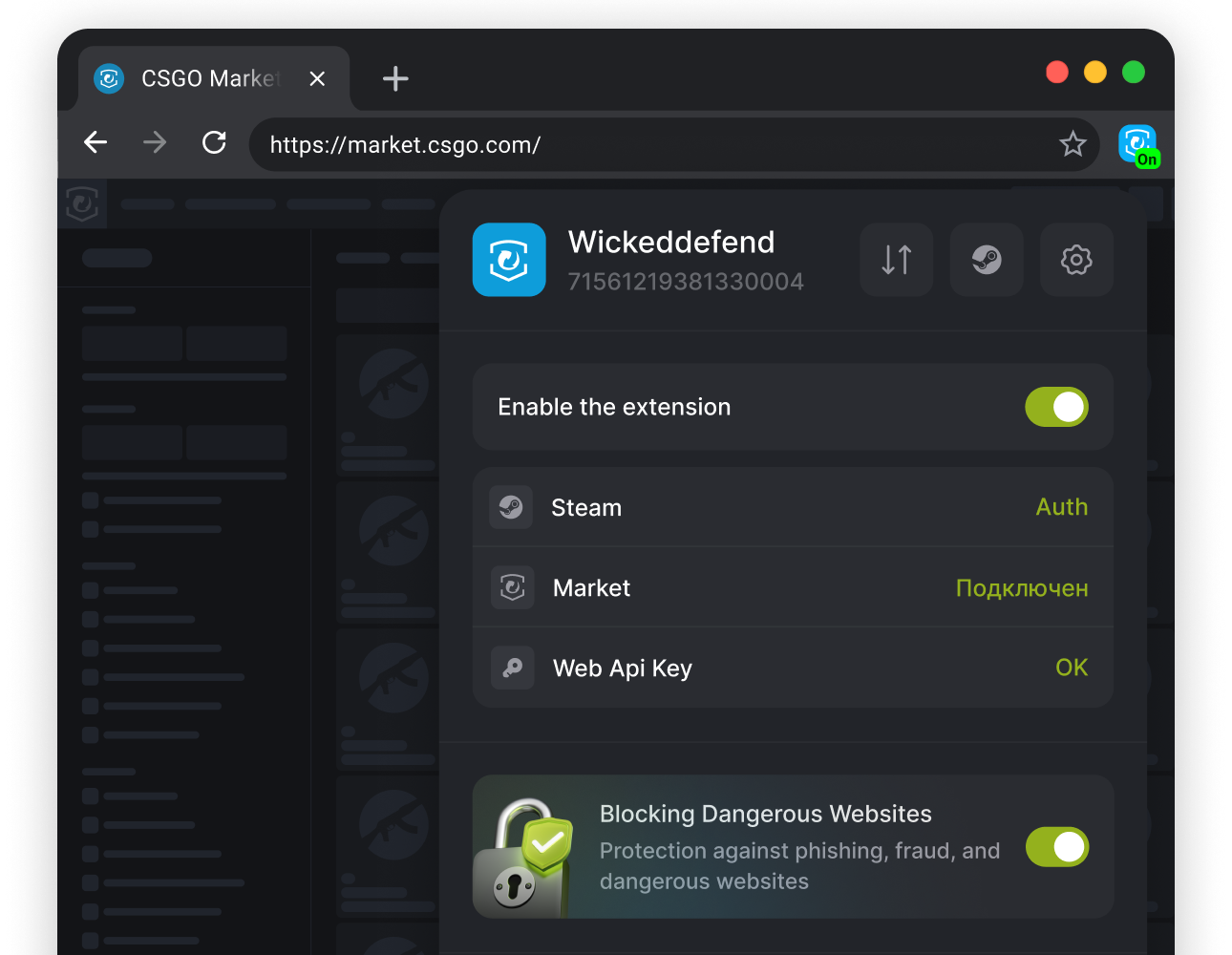
Hazardous Resource Lockout Function
Quick login without entering a password
User-friendly design of the Steam inventory page
Detailed Statistics on Items for Sale
Answers to popular questions
It depends on your needs: if you trade frequently, choose a mobile application or a client, if you need a basic set of functionality, install an extension.
Yes. Before you start selling, we strongly recommend that you read the basic safety rules in our FAQ: https://market.csgo.com/faq
No. We recommend that one of the proposed options be used at the same time.
Do you still need help?